

Introduction#
Use the ttktheme this time use themes that have the png images.
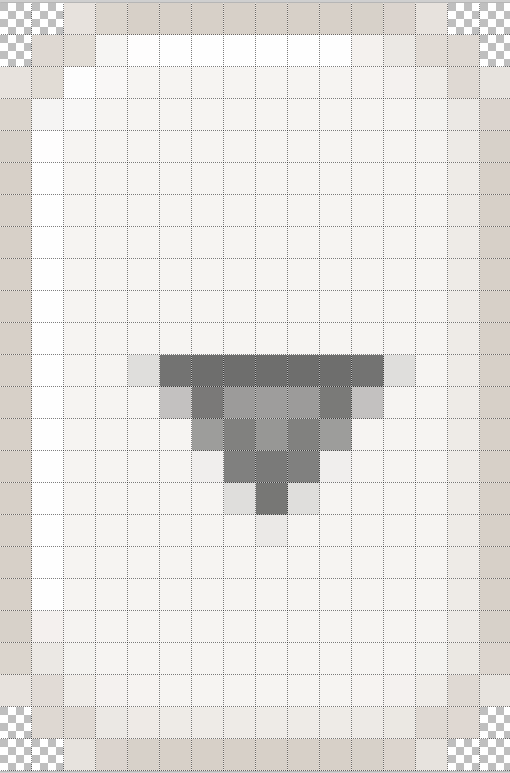
Enlarge an image such as comboarrow-n.png from the Ubuntu theme and see that the outer border is one pixel wide. There are highlights and shadows also one pixel wide. The corners are a simple angle construction. The most tricky part is probably the arrow, which has a dark grey outer part and a light grey inner part. Several lighter pixels used for antialiasing surround the arrow and the diagonal lines, exactly how these were produced will become clearer a little later.
Comparing this widget to others it becomes clear that many of the ttktheme widgets are made in a similar manner. They are all of a similar size there are no arcs, all lines are one pixel wide and diagonals are used with antialiasing to give the impression of rounded corners.